
Habits That Will Extend Your Laptop Battery Life
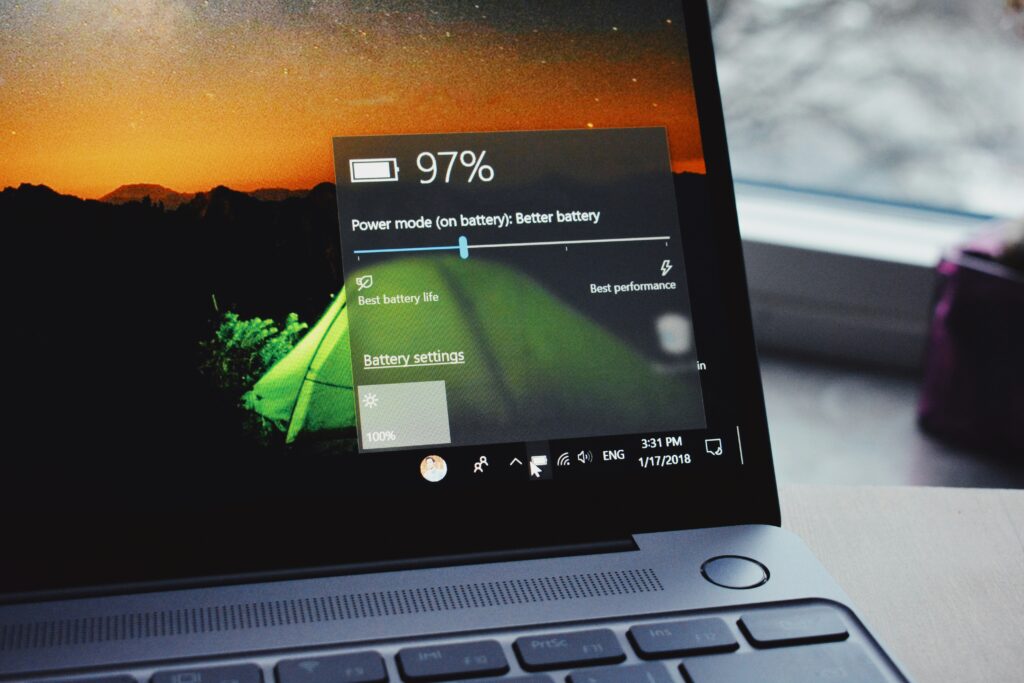
Laptop batteries don’t last forever—but the way you use your device can make a big difference in how long each charge holds and how quickly the battery wears out over time. The good news is you don’t need to be a tech expert to improve it. A few simple habits can noticeably extend your battery life.
1. Lower Your Screen Brightness

Your display is one of the biggest battery drains.
- Keep brightness at the lowest comfortable level
- Avoid max brightness unless you really need it
Even reducing brightness by 20–30% can significantly extend how long your laptop lasts on a single charge.
2. Use Power Saver Mode
Both Windows and macOS have built-in power-saving features.
- On Windows: turn on Battery Saver
- On Mac: use Low Power Mode
These settings reduce background activity, adjust performance, and limit power-hungry features automatically.
3. Close Apps You’re Not Using
Many apps keep running in the background—even when you’re not actively using them.
- Close unused browser tabs
- Quit apps like video editors, games, or heavy software
- Check Task Manager (Windows) or Activity Monitor (Mac) for hidden usage
Less activity = less battery drain.
4. Turn Off Wi-Fi & Bluetooth When Not Needed

Wireless connections constantly search for signals, which uses power.
- Turn off Wi-Fi if you’re working offline
- Disable Bluetooth if you’re not using accessories
This small step can give you extra battery time, especially during long sessions.
5. Keep Your Laptop Cool
Heat is one of the biggest enemies of battery health.
- Avoid using your laptop on soft surfaces like beds or couches
- Keep vents clear for proper airflow
- Don’t leave your laptop in hot environments (like a car)
High temperatures can reduce battery efficiency and lifespan over time.
6. Don’t Always Keep It Plugged In
Modern laptops are smart, but constant charging at 100% can still stress the battery over time.
- Try to keep your battery between 20% and 80% when possible
- Unplug once it’s fully charged if you don’t need it plugged in
Many newer laptops even have battery health settings to limit full charging—worth checking in your system settings.
7. Use Sleep Instead of Leaving It On
Leaving your laptop running all day drains battery unnecessarily.
- Put it in sleep mode when taking short breaks
- Shut it down if you won’t use it for hours
This reduces background activity and saves power.
8. Keep Your System Updated
Updates often include battery and performance improvements.
- Update your operating system regularly
- Install driver updates (especially for Windows users)
These updates can fix bugs that cause excessive battery drain.
9. Reduce Keyboard Backlight & Extras
Small features add up.
- Lower or turn off keyboard backlighting
- Disable unnecessary animations or visual effects
These aren’t huge drains individually, but together they make a difference.

Improving your laptop’s battery life isn’t about one big change—it’s about small habits that add up. Lower brightness, manage apps, and avoid heat, and you’ll see your battery lasting longer both daily and over the long run.
Keeping things simple and consistent is what really makes the difference. Start with just a few of these tips, and you’ll likely notice the improvement right away.